EOS 5DS
Via USB
25,602
Shutter count
17% used of 150,000 rated
A desktop app for Windows and Mac that reads the shutter count of hundreds of cameras. Over USB, or from a photo.
$24.99 once, no subscription. Unlimited cameras and checks, all 1.x updates, yours forever.
Or a 14-day Limited licence for $5.99. Same unlimited checks.
Lightly used. Most others have shot more.
Either drag a freshly taken photo straight from your camera into the window, or connect it over USB, depending on the model. Canon bodies usually need USB. You can check how yours works on our list of cameras.
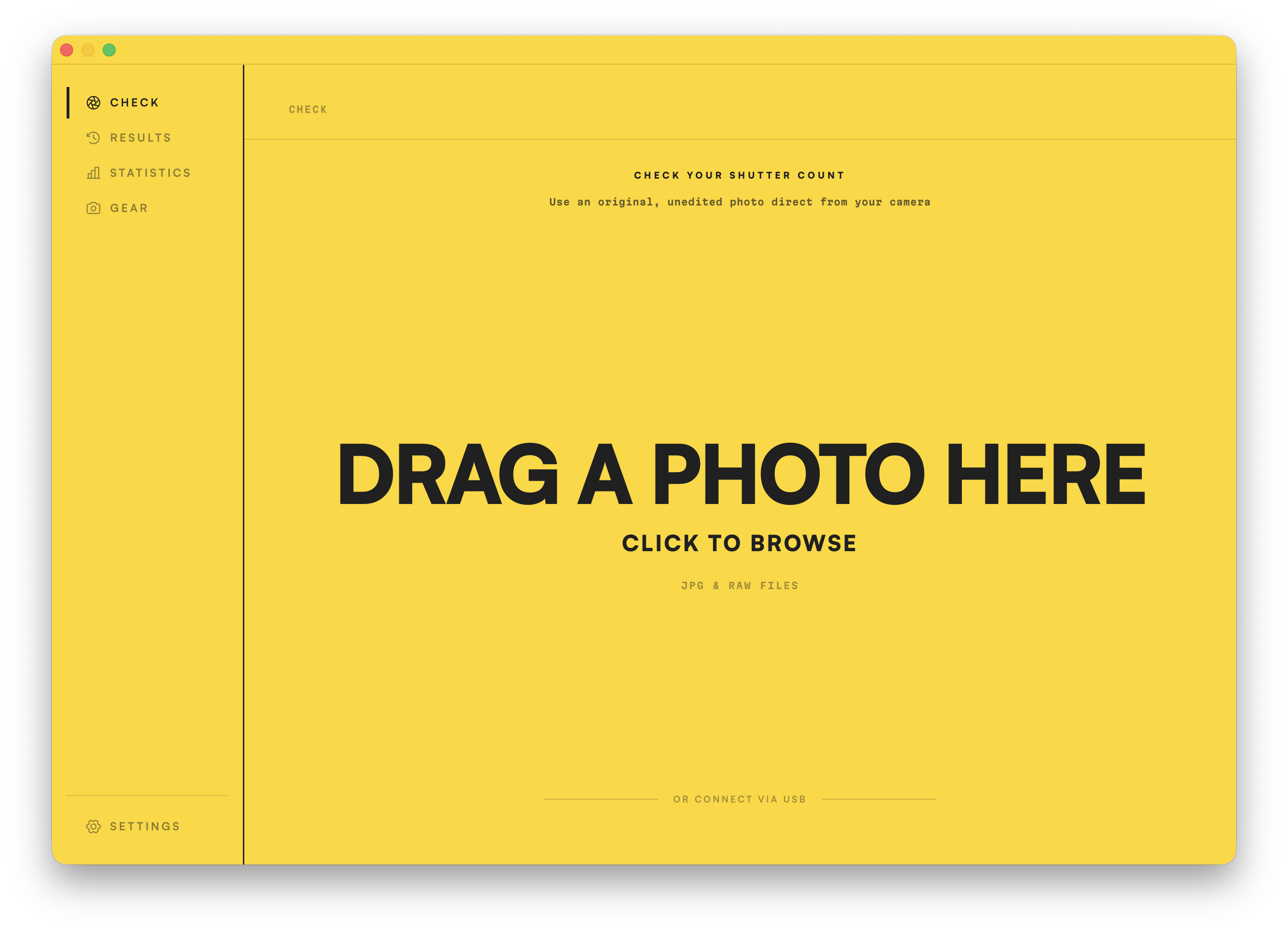
Drag an original, unedited file onto the window, or click to open the file browser. Depending on the model, you may need to connect over USB instead.
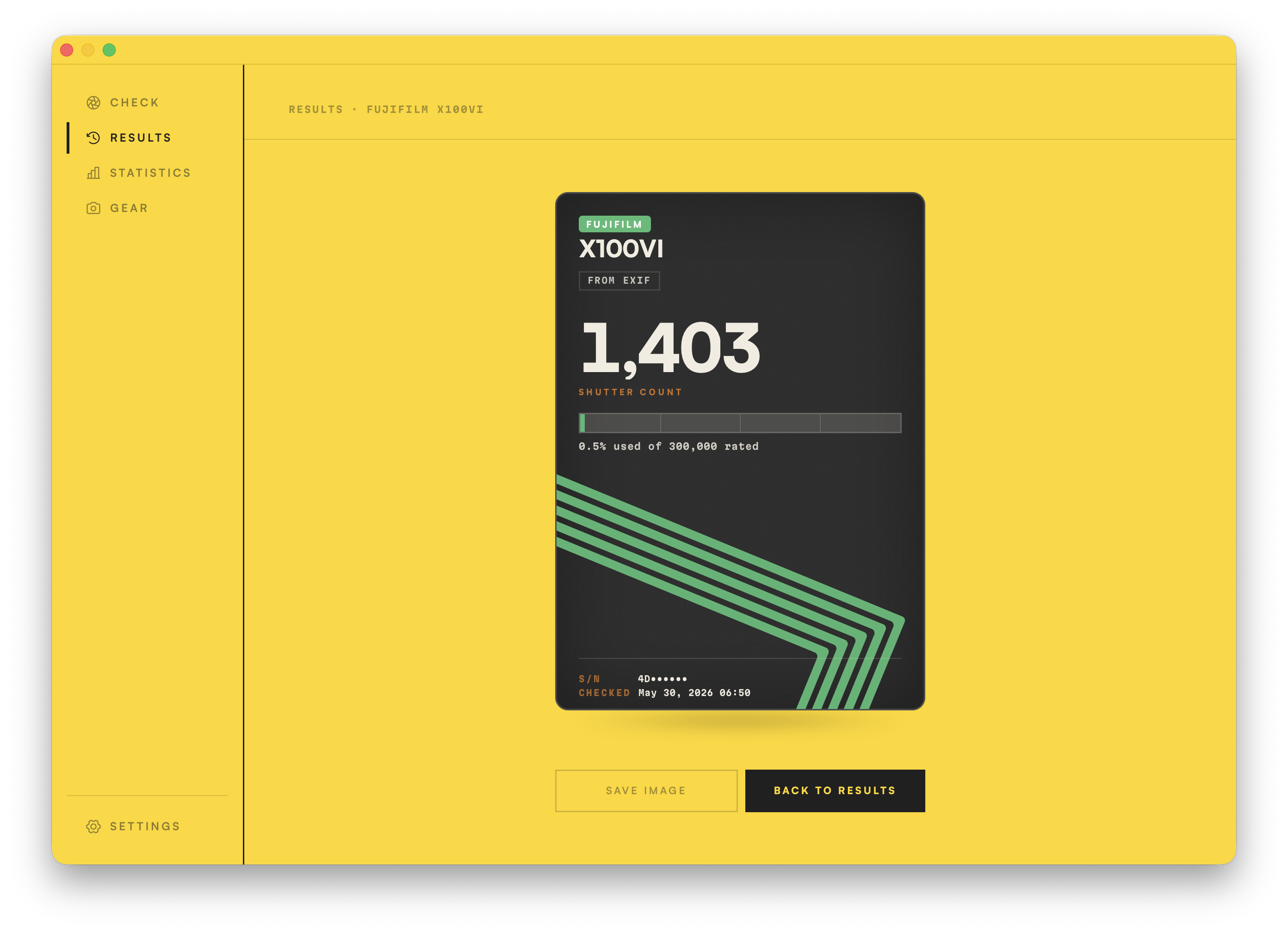
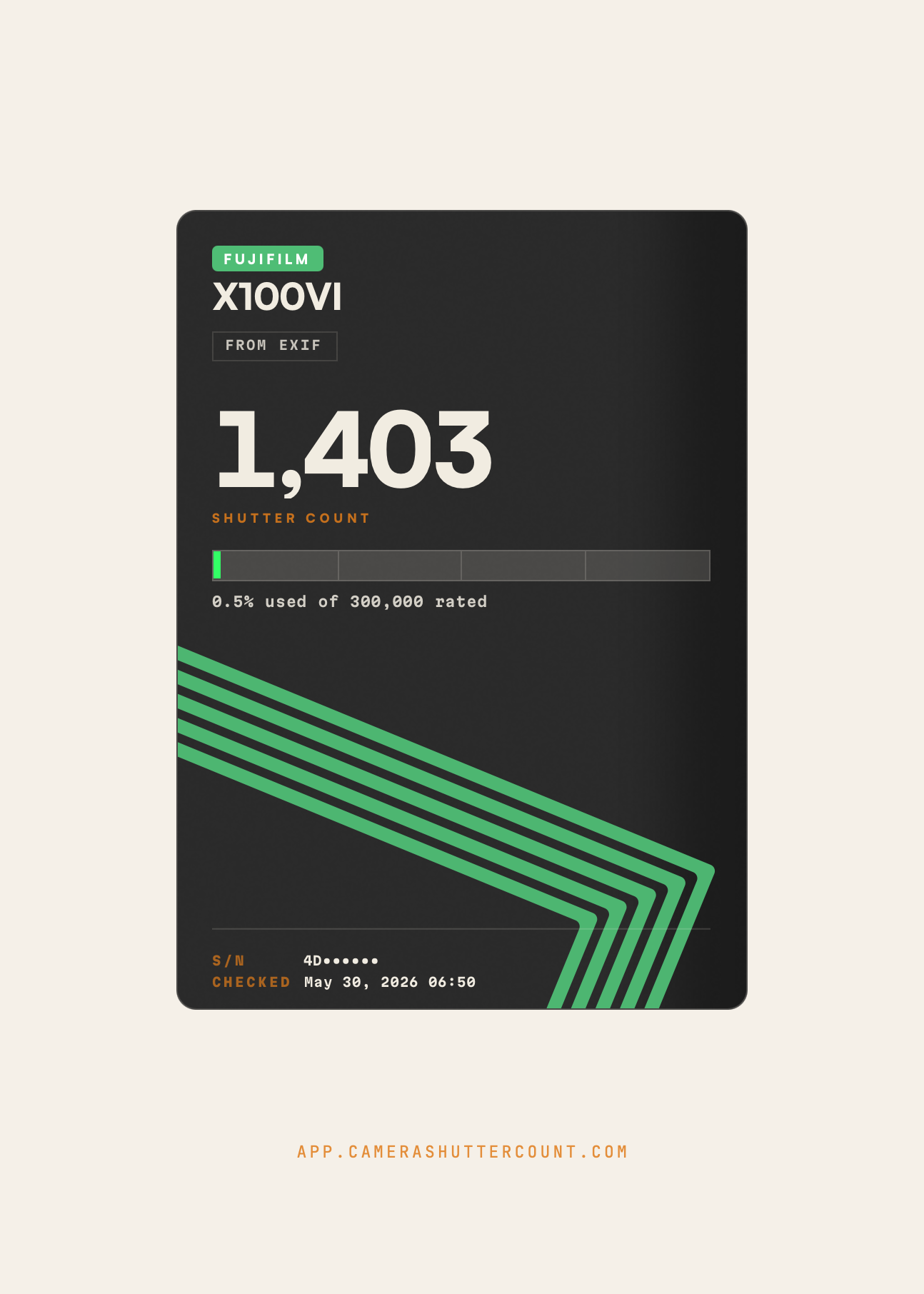
If your camera body is supported, you'll get the exact count in just a few seconds, shown on a clean results card like this one. We also record your camera's serial number and the date, so you know when the reading was taken and which body it was from.
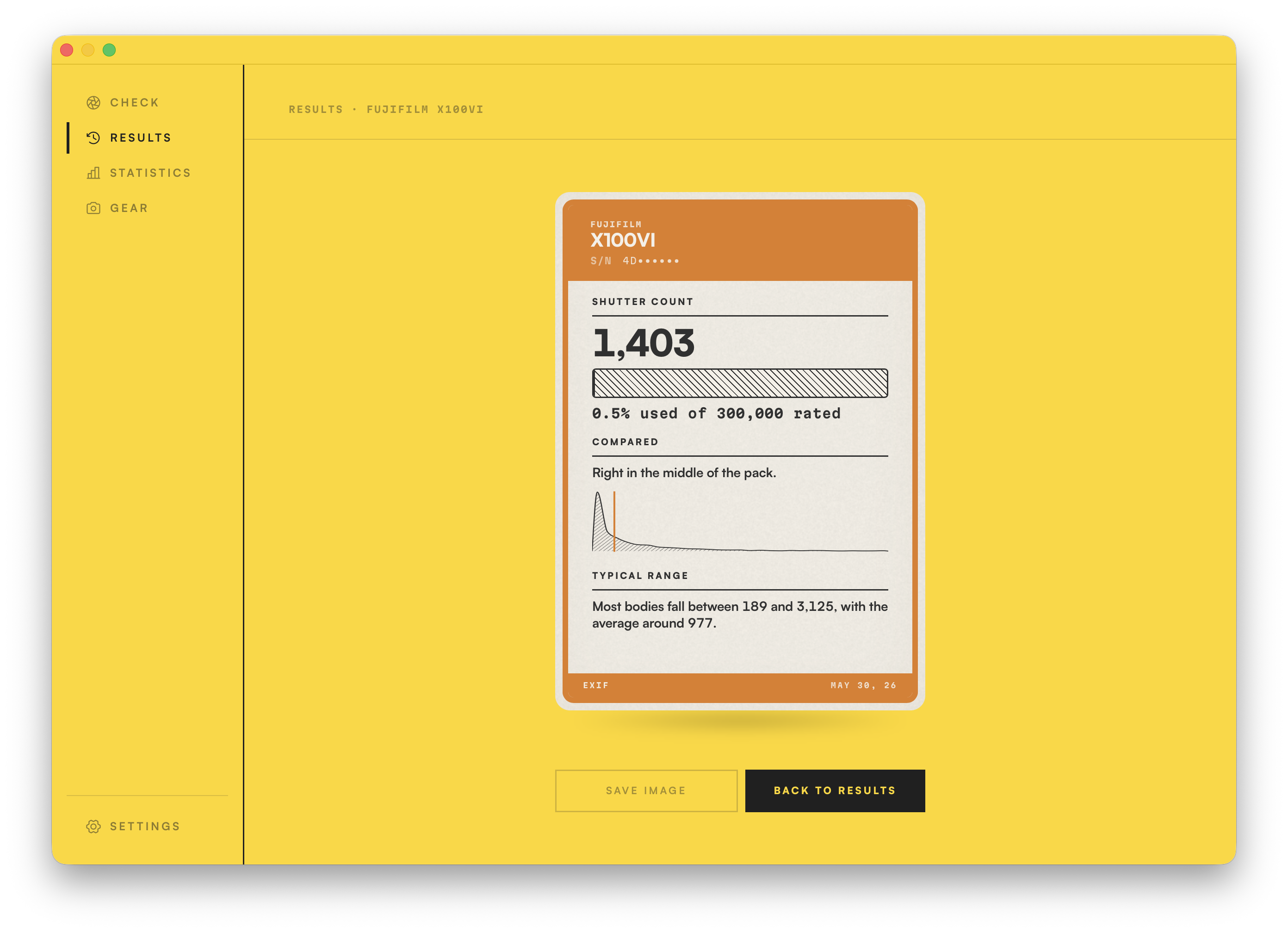
Click the card to flip it and reveal the comparison. We've run over 25 million checks since 2010, so we've built an incredible record of cameras and their respective shutter counts. You'll see exactly where yours lands: its percentile, and the range most cameras of the same model fall in.
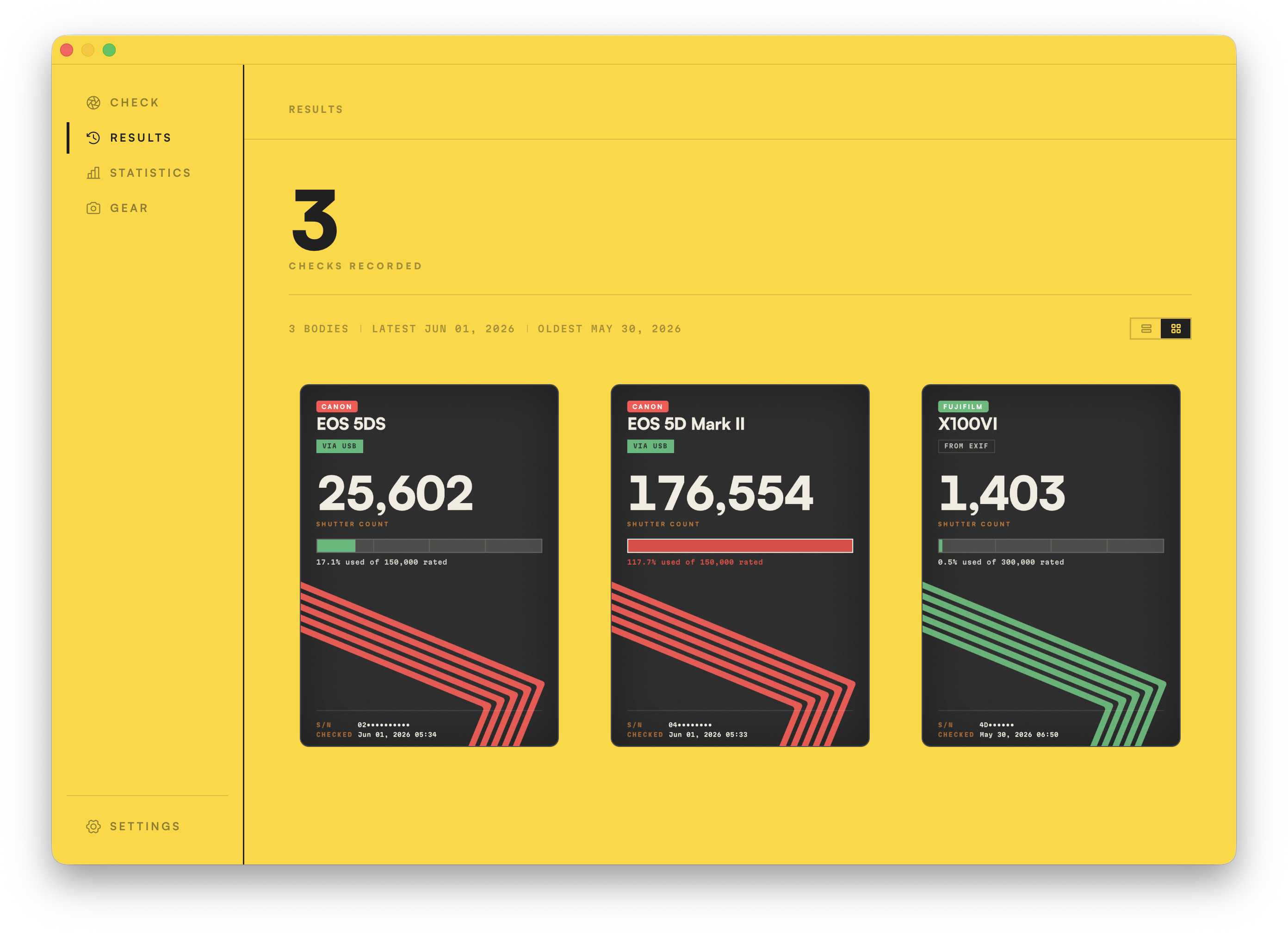
Every check you run is stored privately, right inside the app. Open the Results page to see your full history in card or list view, and if you ever need to remove a check, you can do that from the Settings screen.
300+ bodies
Canon · Nikon · Sony · Fujifilm · Pentax · Samsung
See the listNow for the nerdy bit. I could have just stopped at the shutter count, but I made this app because I wanted it. I'm a stats nerd, and every one of your photos contains an incredible amount of data. The Statistics section lets you make sense of years and years of shooting patterns, settings and gear ownership, all of it locally and privately, on your own machine.
Drop thousands of photos, or whole folders, straight onto the window, JPG or RAW. The app reads them all in fast, efficient Rust code. Realistically, import speed comes down to how fast your disks are. You'll probably want to start with a small batch, then drag in everything once you've seen how it works. Duplicates are handled automatically, so there's no harm in dragging the same images twice.

Once you've scanned all your images, this is the result. A wealth of data, full of things you might never have known. Your most-used bodies and lenses. The gear you bought but barely used. The days you worked the hardest, your longest streak, the settings you reach for most. It's all in here.
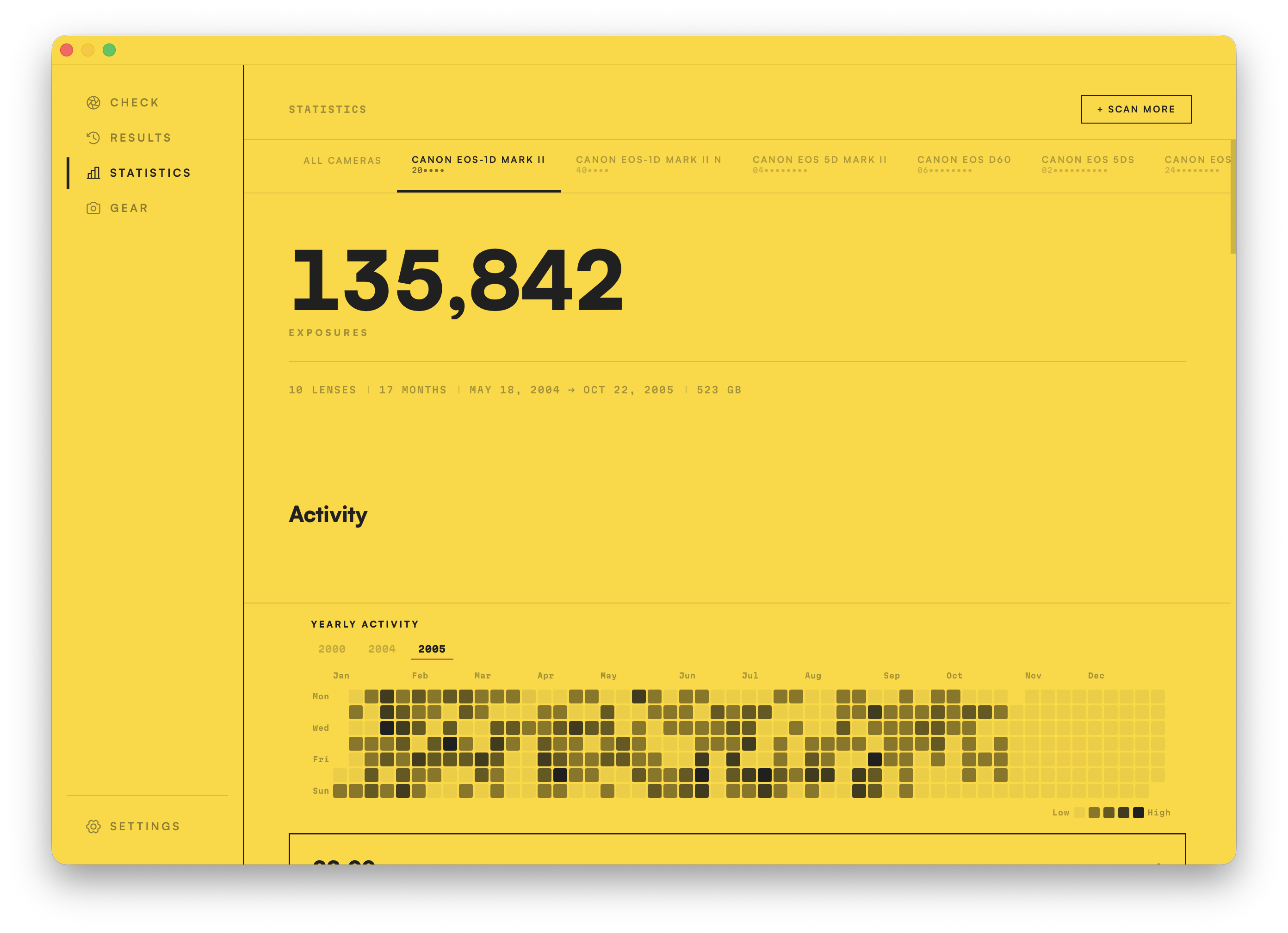
By default, Statistics shows you every shot from every camera. Click any tab across the top to focus the whole dashboard on a single body.
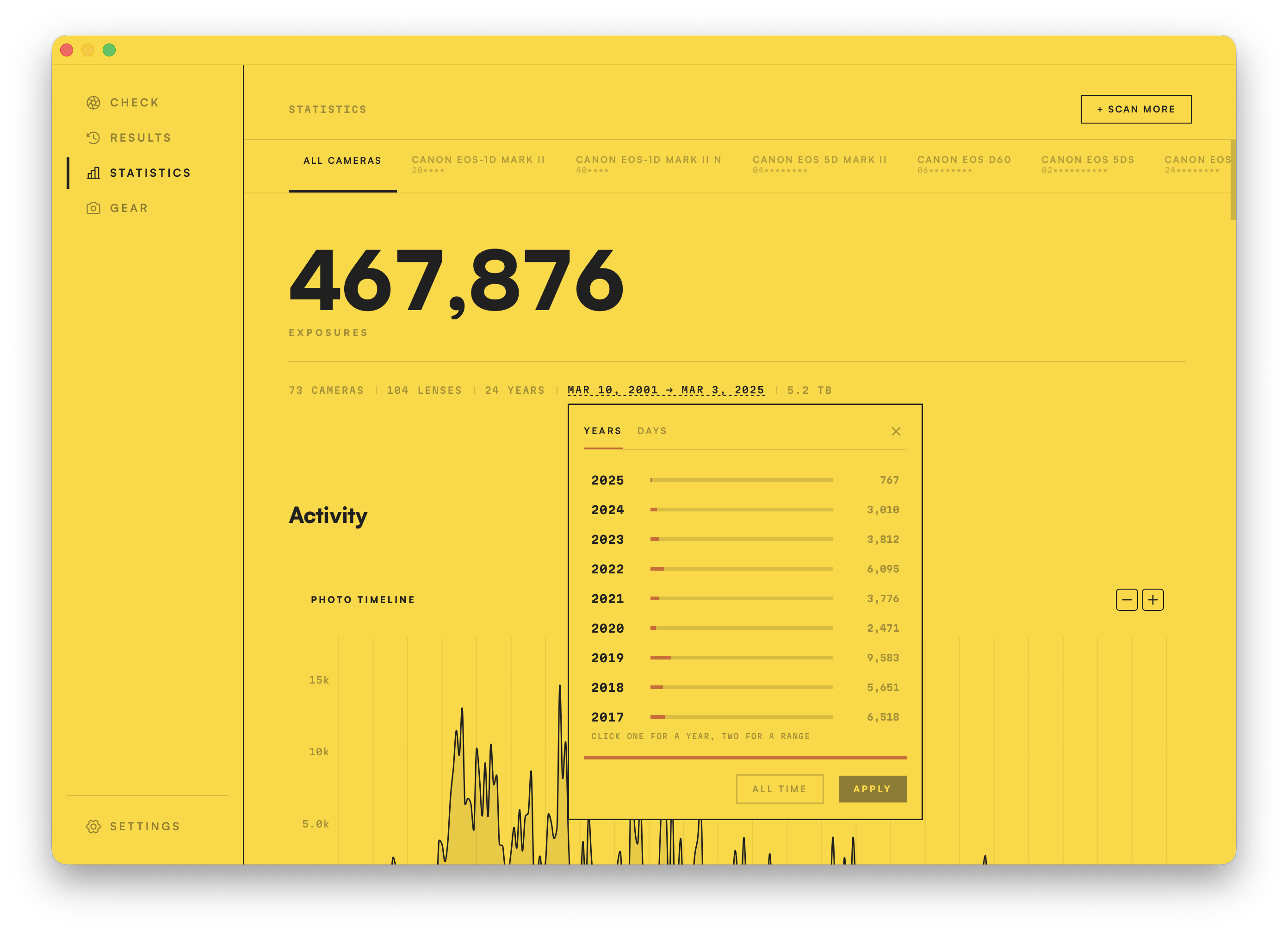
Zoom into a single year, a custom range, or one day. Every chart recalculates to match, so you can relive one shoot, one season, or one unforgettable year.
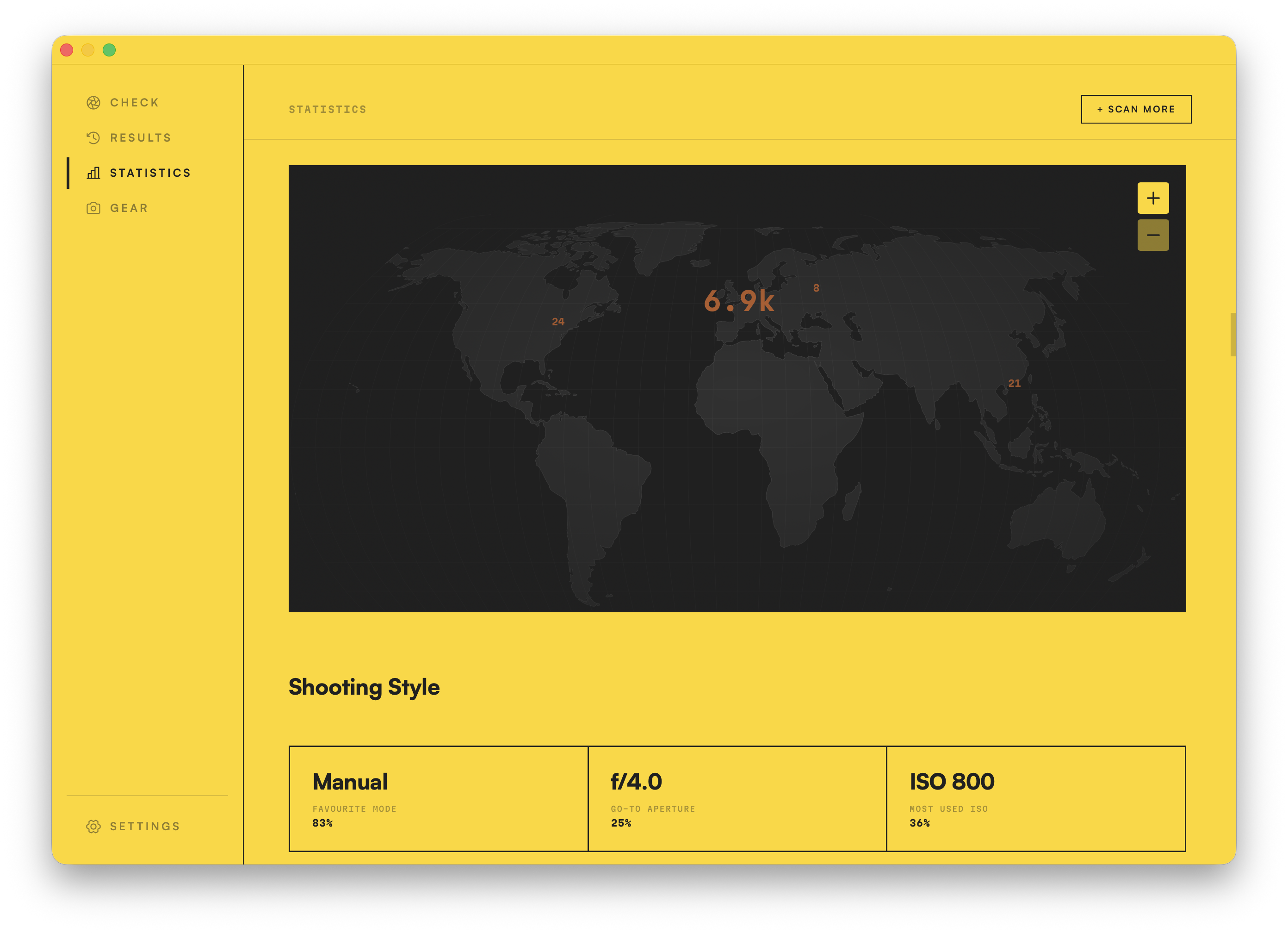
Any photo with location data lands on a world map, clustered by place. Years of travel, laid out by where the shutter actually fired.
Gear keeps the whole story of your kit. Every body and lens you've ever shot, ranked by how hard you worked it, characterised by how you actually used it, and laid out across every year you've been shooting. It's all built automatically when you import your images into Statistics.
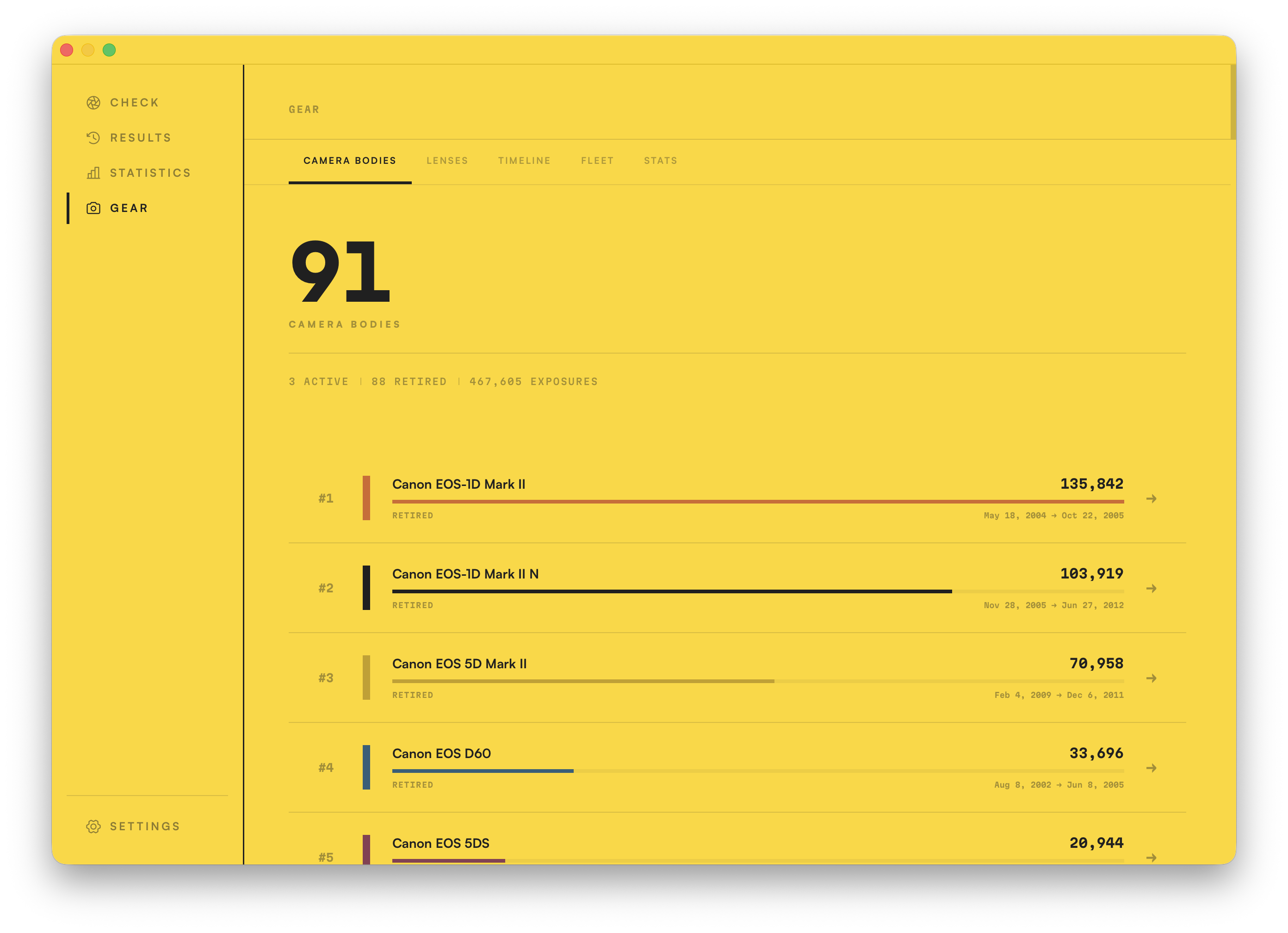
Every camera you've ever shot with, ranked by exposures, from your hardest-working body right down to the ones you barely touched. Click any one to drill into its full history.
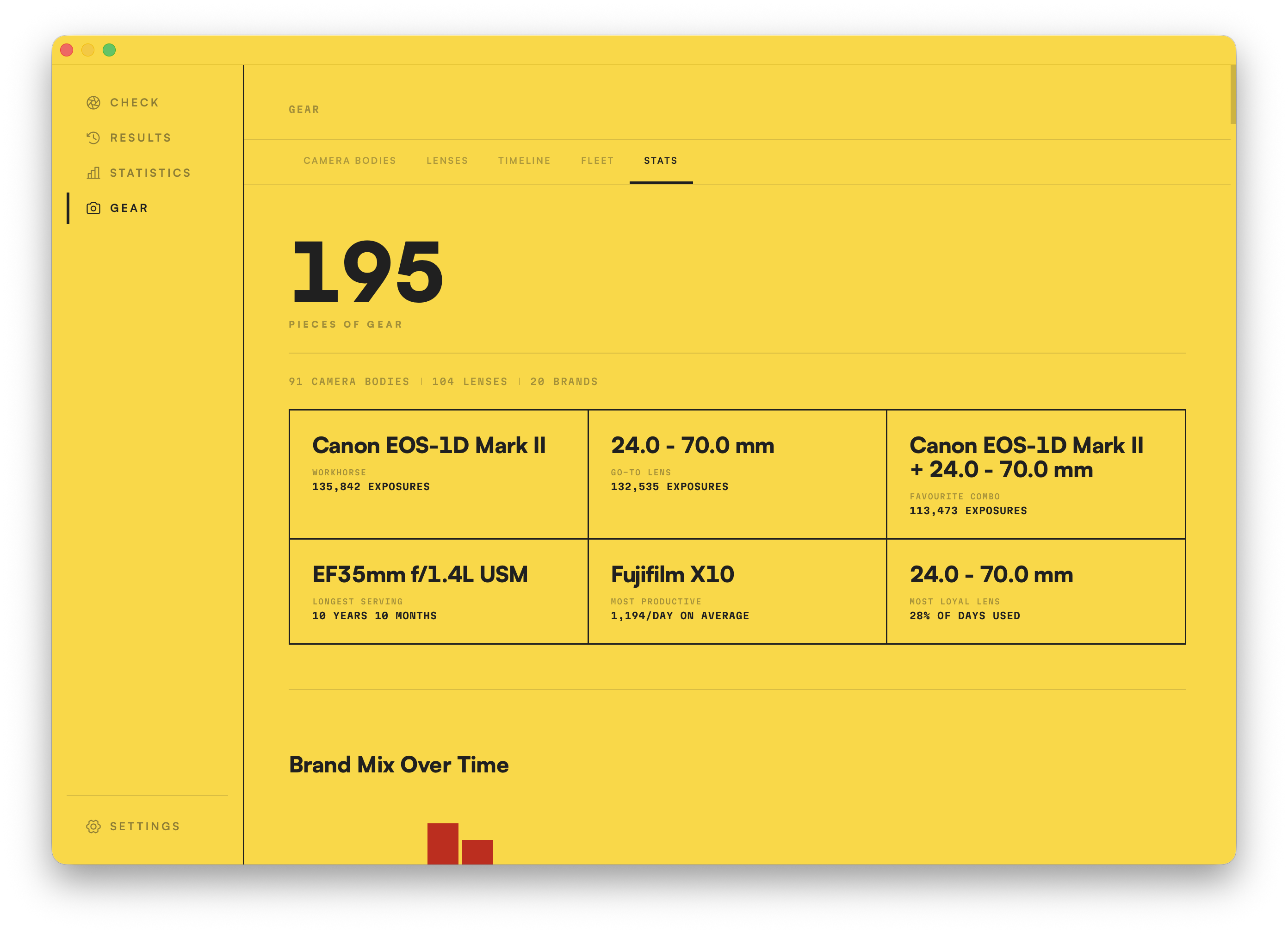
The app hands out the titles your kit has earned: your workhorse body, your go-to lens, the combo you can't put down, your longest-serving piece, the lens you've stayed most loyal to. Some you'll have guessed; others will surprise you.
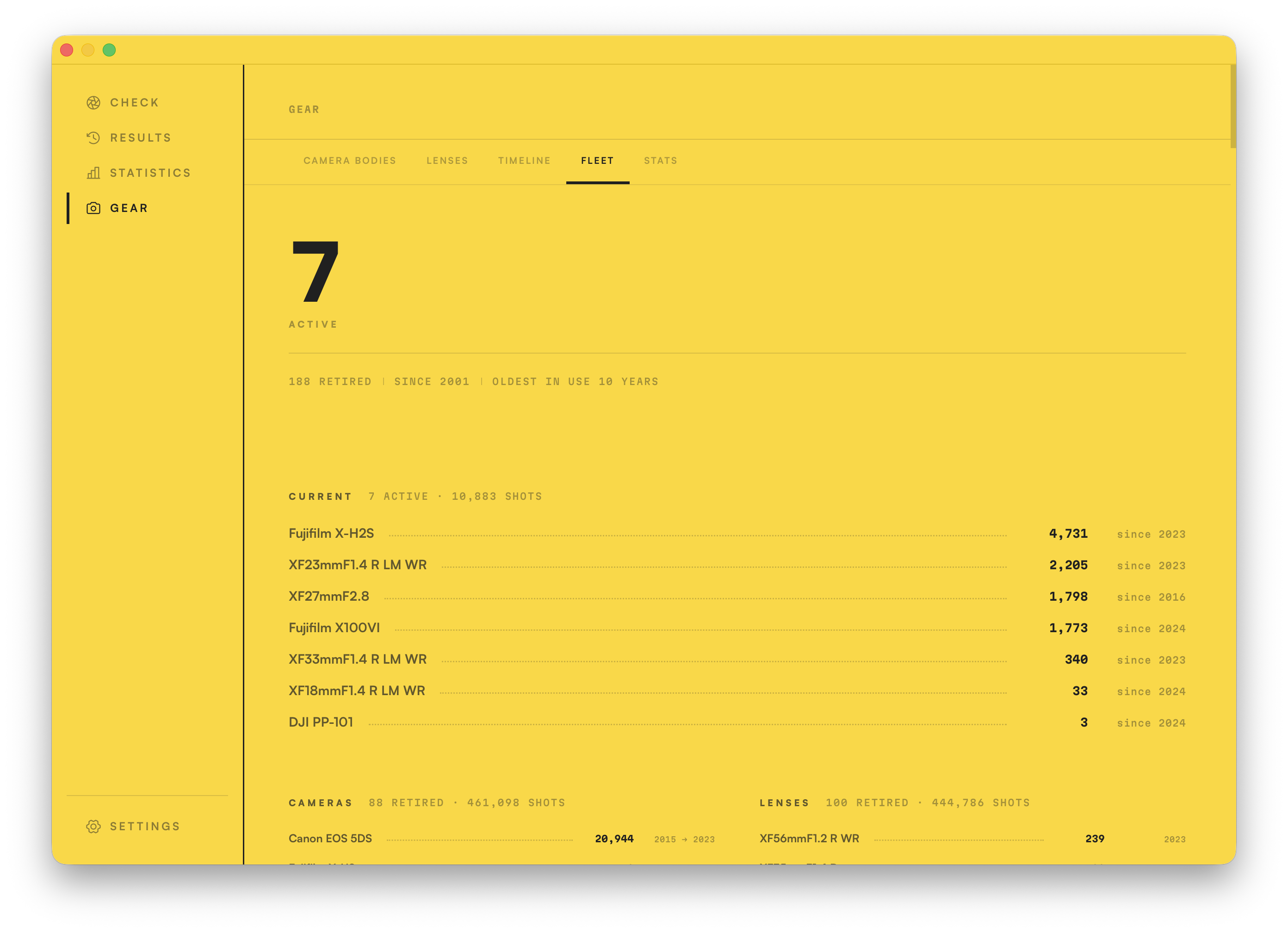
Every body and lens side by side, active and long retired, all the way back to your first. On each one you can record purchase dates, notes and receipts, ready for resale or insurance.
Make the app your own. Choose your language and layout, manage your licence and updates, and fine-tune everything from backups to privacy.
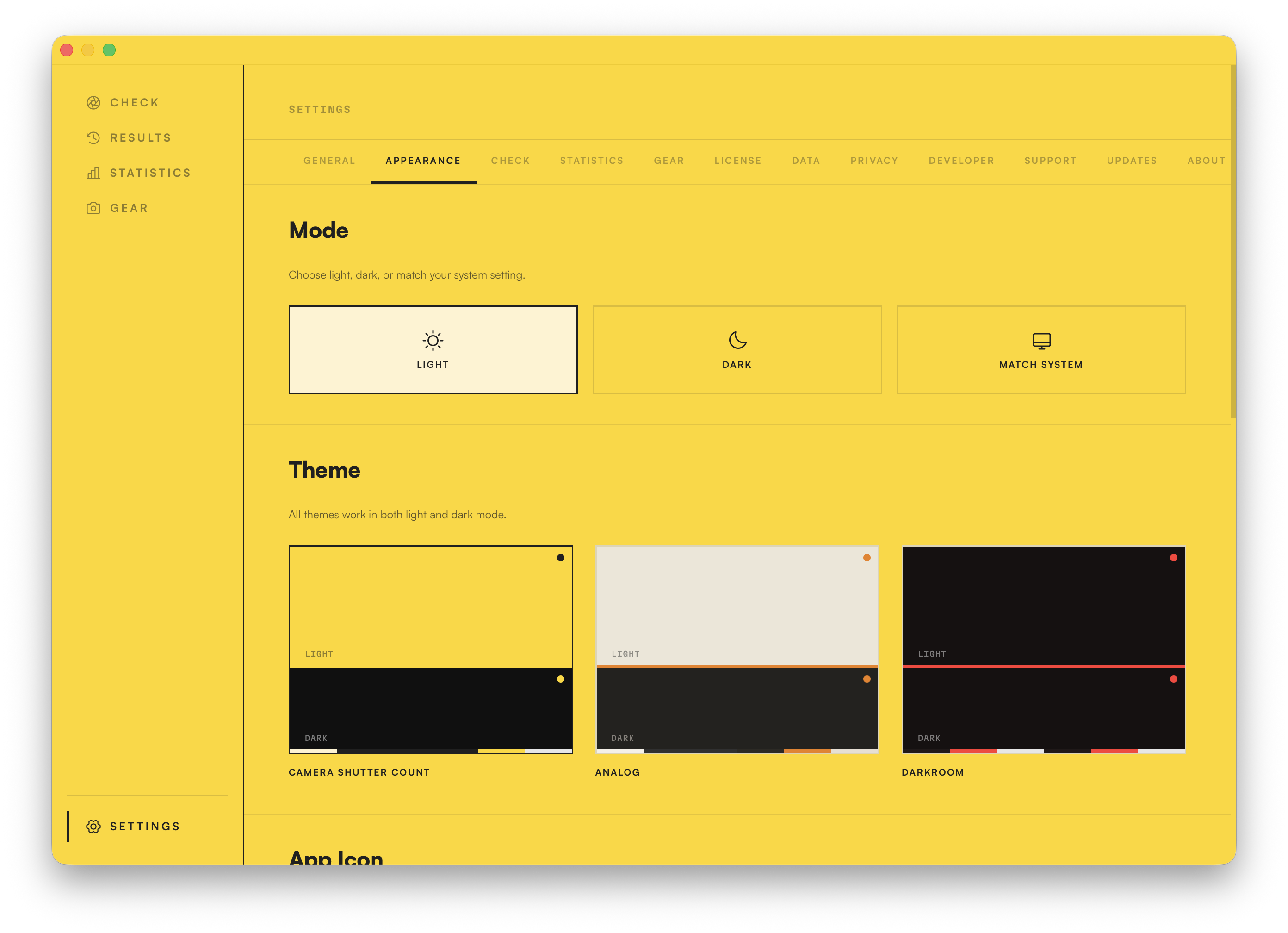
Is the yellow a bit much for you? Three themes, each in light and dark, matching your system if you let it. Three app icons to suit your dock. My personal favourite is Analog.
Click any of the three. Your choice sticks.
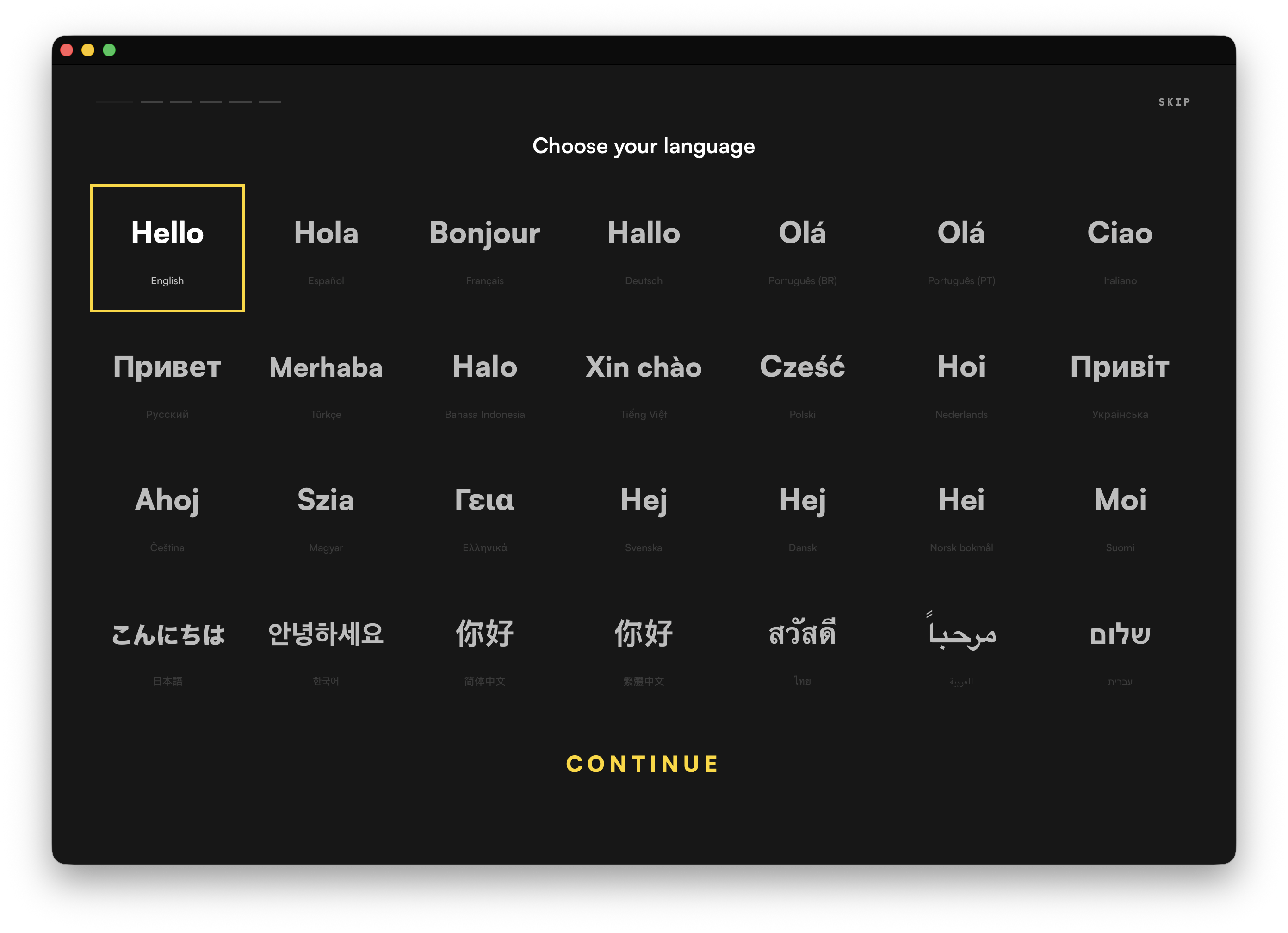
Choose from thirty-one languages, switch any time, and this whole site speaks them too. English is the one I actually speak, so if a translation reads wrong in yours, report it with the app's built-in tool or on the correction page, and we'll fix it fast.
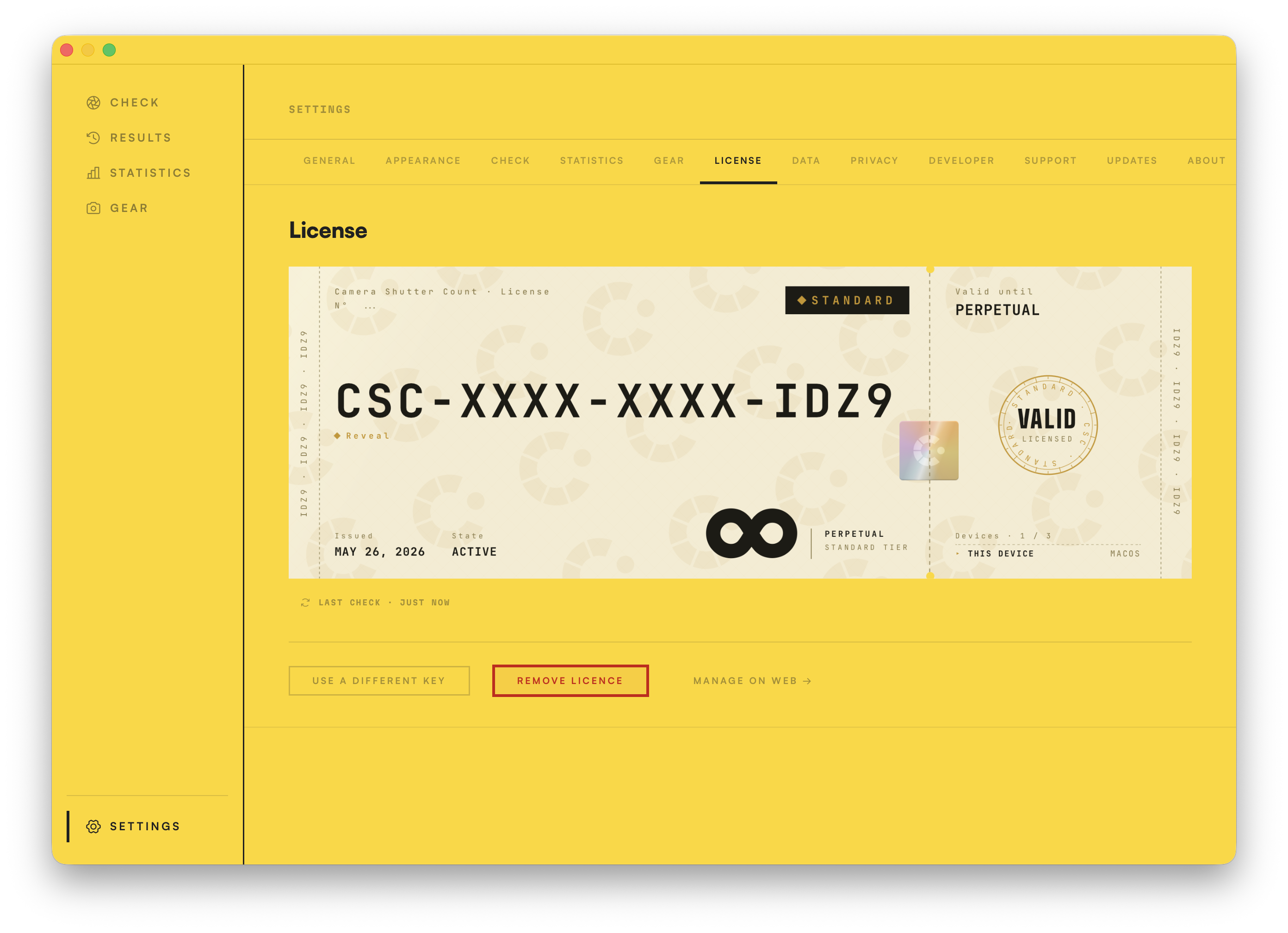
Buy once, own it. Unlimited cameras and checks, on up to three devices at once, and you can revoke a device and add a new one any time. Perpetual across every 1.x update.
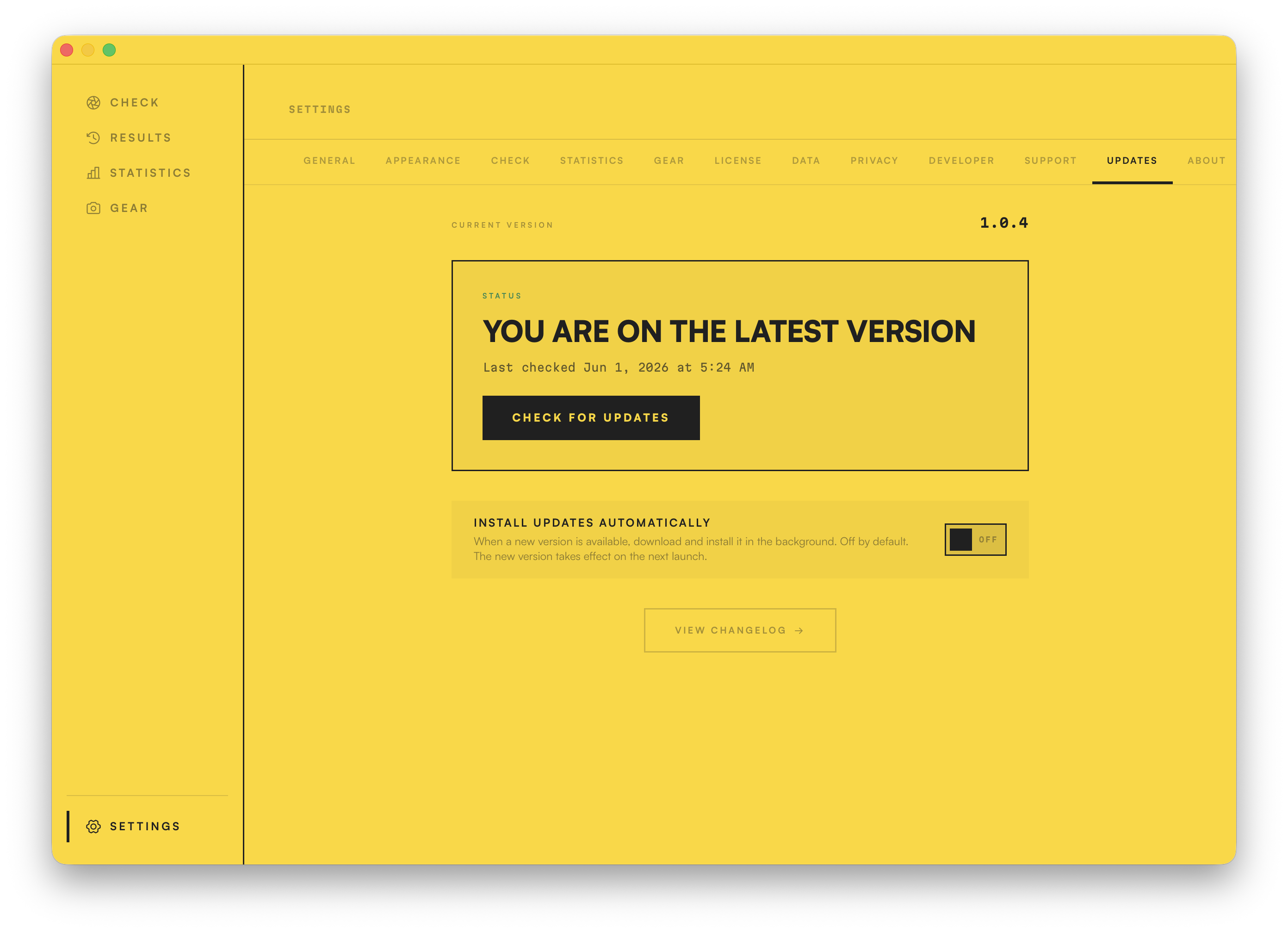
Check for updates in a click, or let them install quietly in the background. The changelog is a tap away.
I hope the app is easy to use, but if you run into problems, or see something you don't expect, don't be afraid to contact me. I'll get back to you as fast as I can.
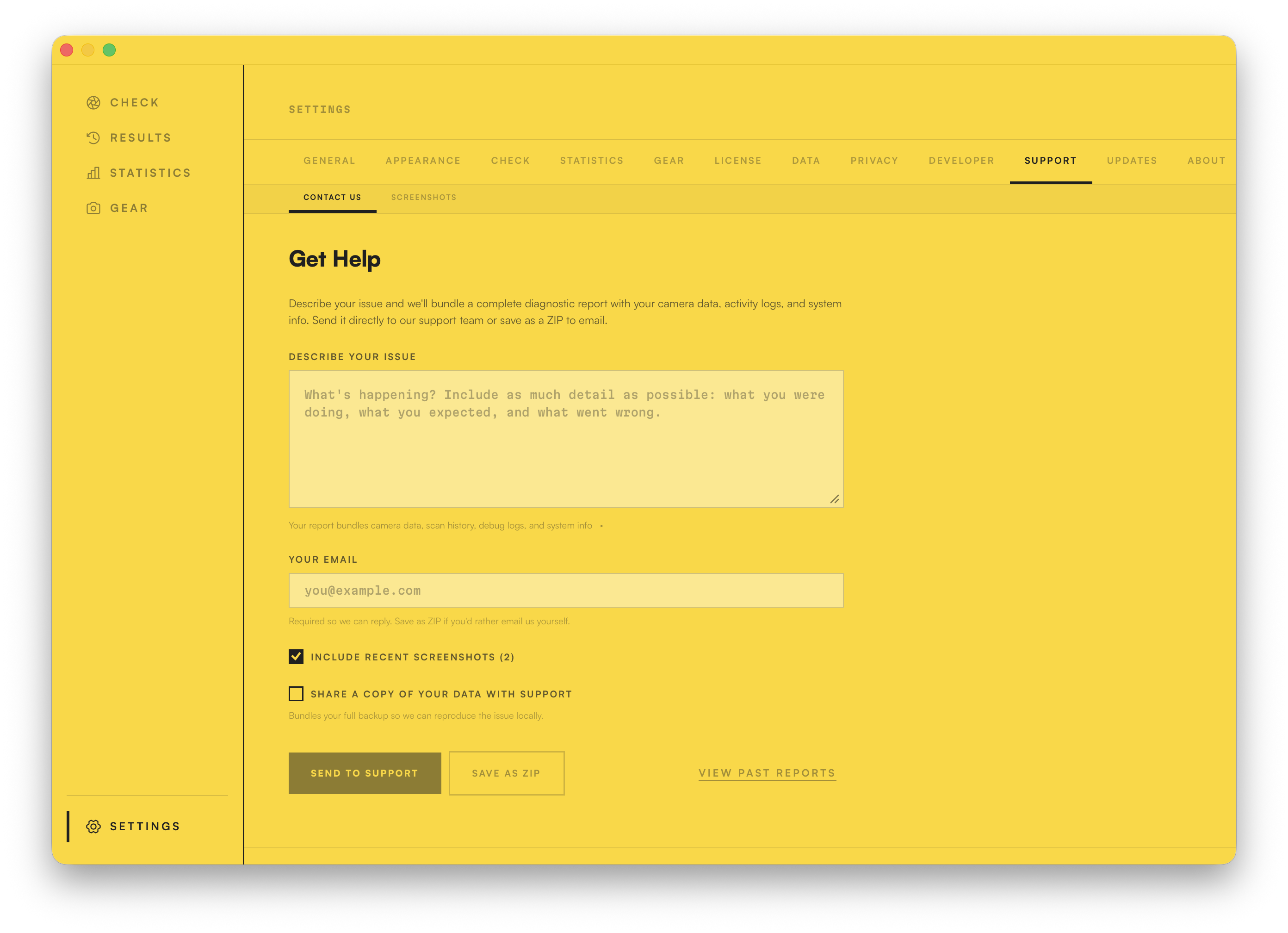
It's a custom support tool I built, and the best way to ask a question. It automatically attaches a full diagnostic report, so we should be able to get to the bottom of any issue quickly. Any fix then rolls into the next version of the app, which you can grab via the automatic updater.
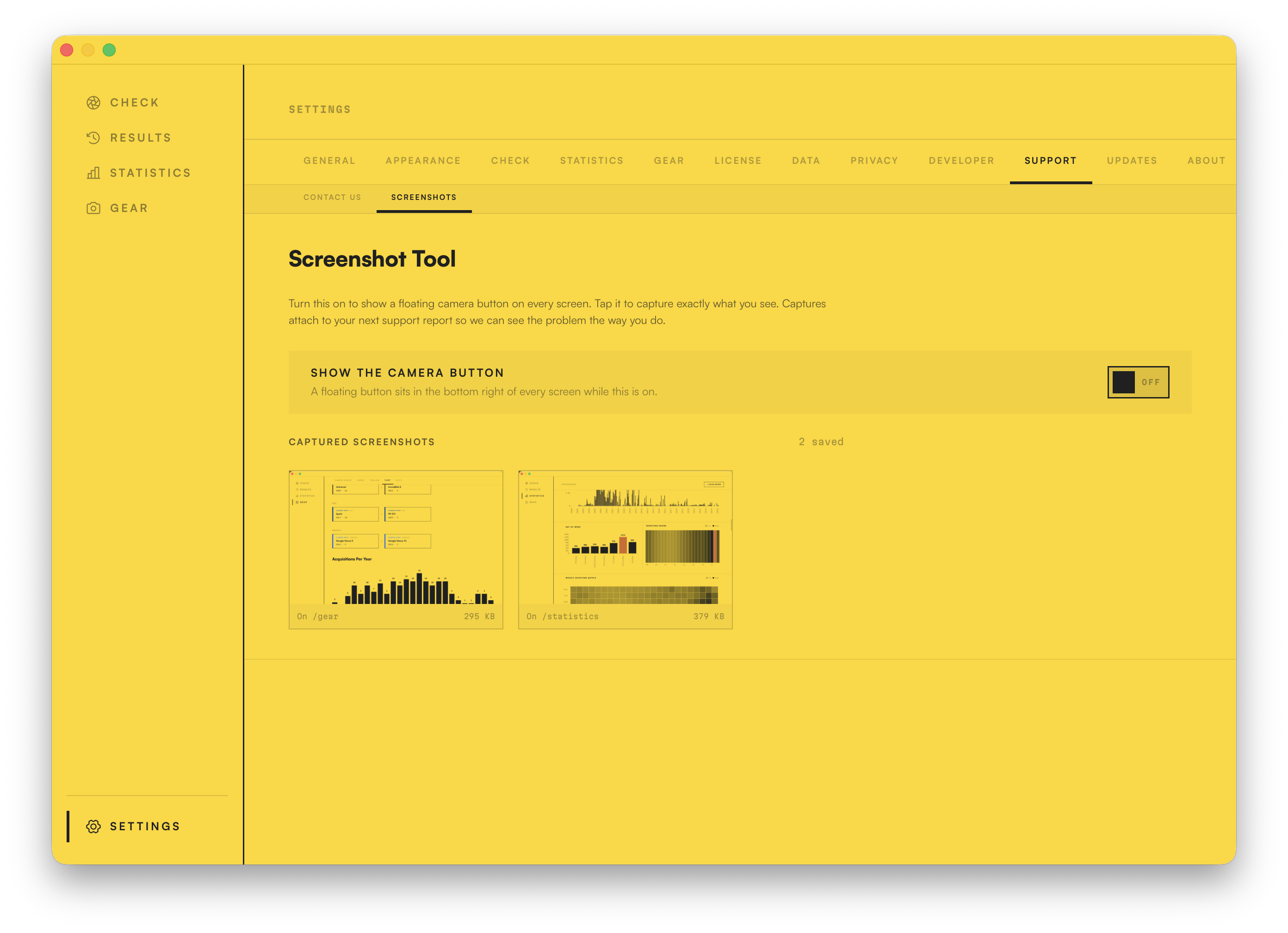
Parts of the app are very visual. I've tested everything as much as I can, but a picture's worth a thousand words. Flip on the floating camera button and capture any screen. The shots attach to your next report, so we see the problem exactly as you do.
I've put every idea I could think of into this app, but if you've thought of something I've missed, tell me. I'm on a mission to make this the ultimate Camera Shutter Count app!
Your photos, your library, your gear history and your statistics all stay on your own machine, and none of that touches our servers. I built this to handle your data the way I'd want mine handled.
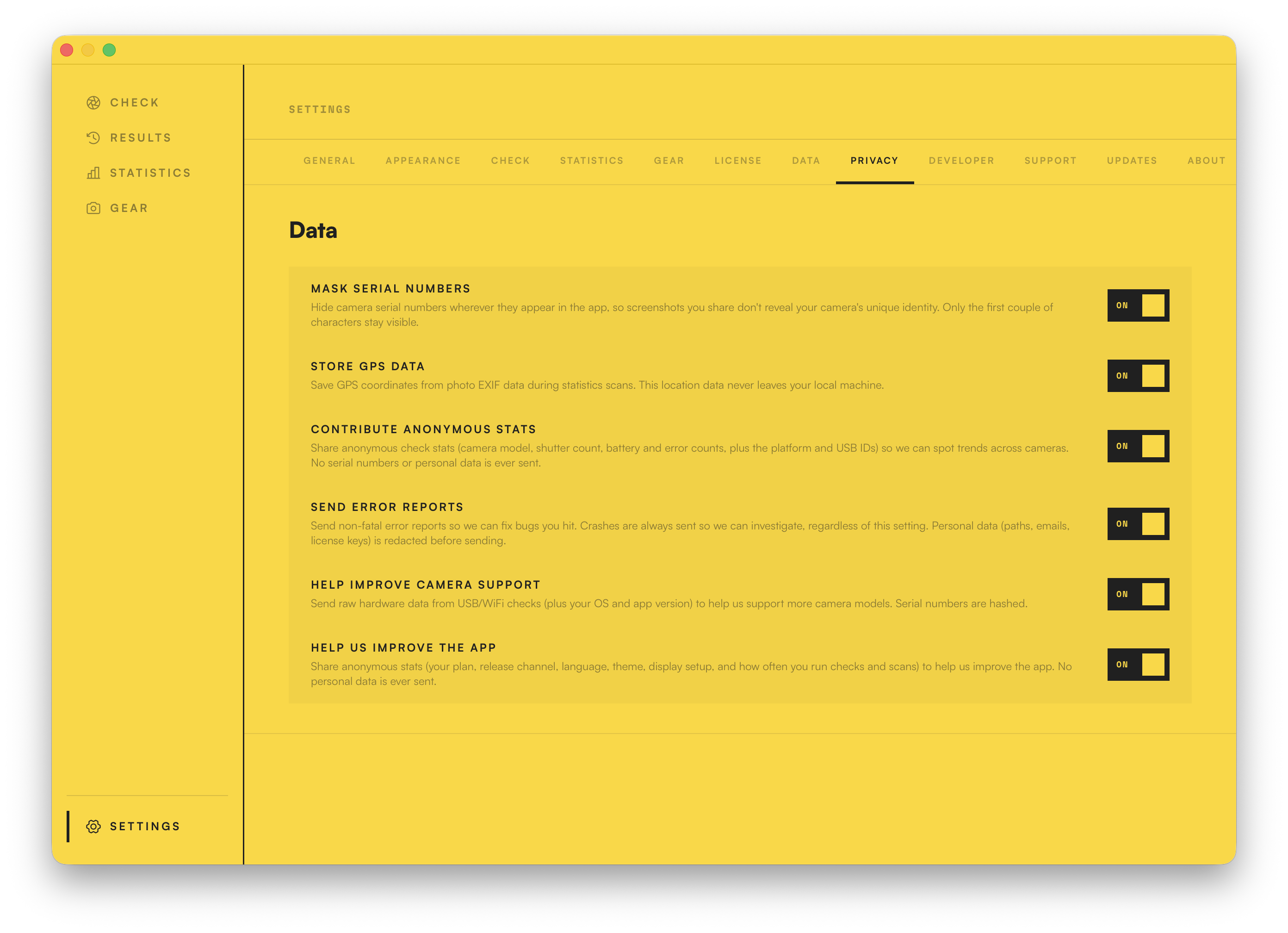
When you check a camera, the app shares a reading with our database: the camera's make, model, shutter count and a few technical details. That's how we show how yours compares and grade its health. We never send your photos or your location, and your serial only ever goes as a one-way hash, never the real number. It's on by default, because the more readings we have, the better those comparisons get for everyone. But it's your call, and a single switch in Settings turns it off.
No ads. No third-party analytics. No tracking SDKs phoning home. Read the privacy page
I'm Andrew. I built and run Digital Photo Gallery Limited and I'm a lifelong camera nerd. Back in 2010 I made camerashuttercount.com as a hobby project. Since then, millions of people around the world have used it to find their shutter count, and I'm humbled by how many of you have found it useful.
For a long, long time I've thought about what my dream shutter count app would look like, and after a lot of hard work, long days and late nights, I've finally made it.
I made this for myself. I'm a Mac and PC user, so I built it cross-platform from the very beginning. I'm not a fan of subscriptions for apps I don't think need them, so this app is buy it once and own it.
I've had loads of fun dragging in my entire photo collection from my NAS, over half a million images going back 26 years, and checking out my shooting stats and gear history.
I built it for camera geeks like me. I really hope you love it.